Inspection Photo App — The Photo That Filed Itself
Inspection photos that file themselves: tap the camera inside the section you are inspecting and the photo lands in its own slot in the report.
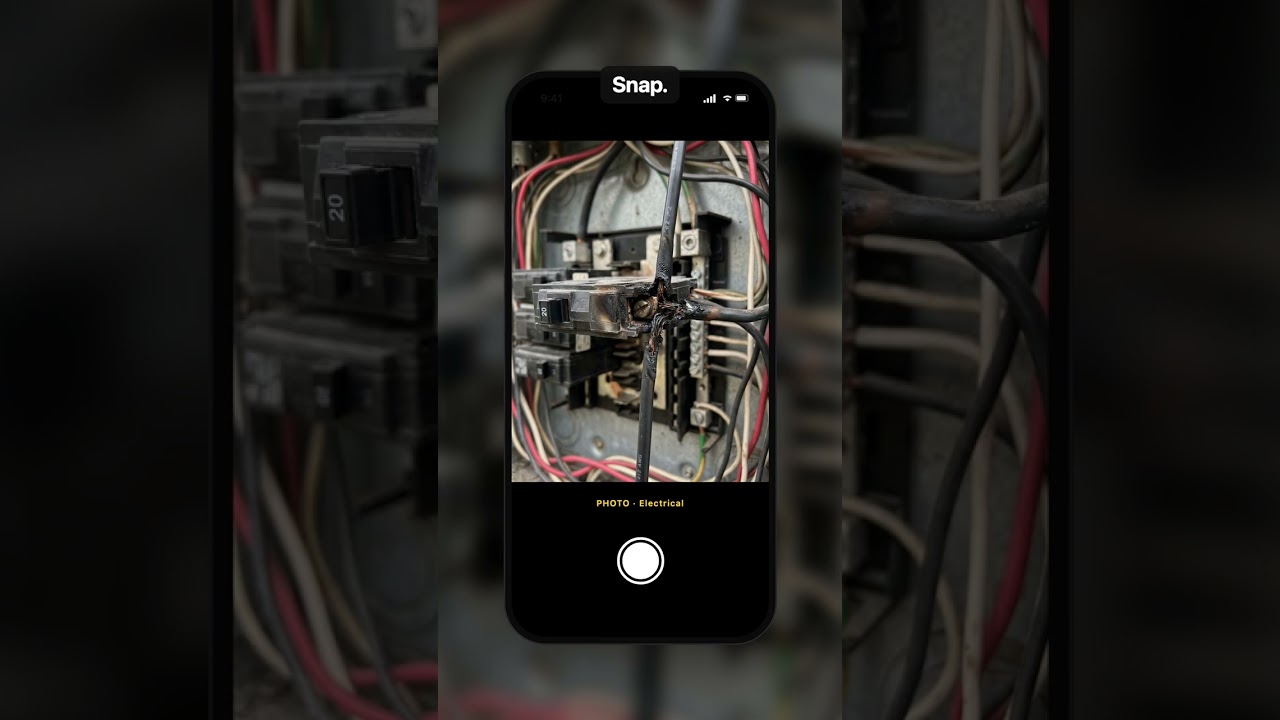
What you’ll see
- In the home inspection template's Electrical section, shoot the panel and it files under Main Electrical Panel as it uploads. Shoot a scorched wire and it lands under Wiring Defects. Nothing to drag, nothing to sort tonight.
- If it ever picks the wrong slot, move it once and it stays where you put it. In the finished inspection report, every photo already sits in its section.
Transcript
Inspection photos usually go to your camera roll and wait for you. Until tonight. This one had other plans.
In ReportWalk, you’re in the Electrical section. Tap the camera. Shoot the panel.
As it uploads, it looks at the photo and files it in the right slot. Main Electrical Panel. Nobody dragged anything.
Scorched wire at breaker twelve? Snap. Wiring Defects.
If it ever picks the wrong slot, move it. It stays exactly where you put it. It knows who’s in charge.
And in the inspection report, every photo is already sitting in its section.
So your camera roll can go back to what it’s really for. Your dog.
Related
 Short0:43
Never Drive Back for a Forgotten Inspection Photo
The final check before you leave the inspection: every required field and photo, plus anything you mentioned but never photographed.
 1:31
1:31Roof Inspection Report — No Typing on the Roof
Write the roof inspection report by voice, standing on the roof: say what you see and the roof inspection checklist fills itself in.
 1:18
1:18What Your Client Sees When You Speak the Home Inspection Report
What your client actually gets from a home inspection report you spoke on site: a link that opens on their phone, no app and no login.