Take Inspection Photos With Gloves On | ReportWalk
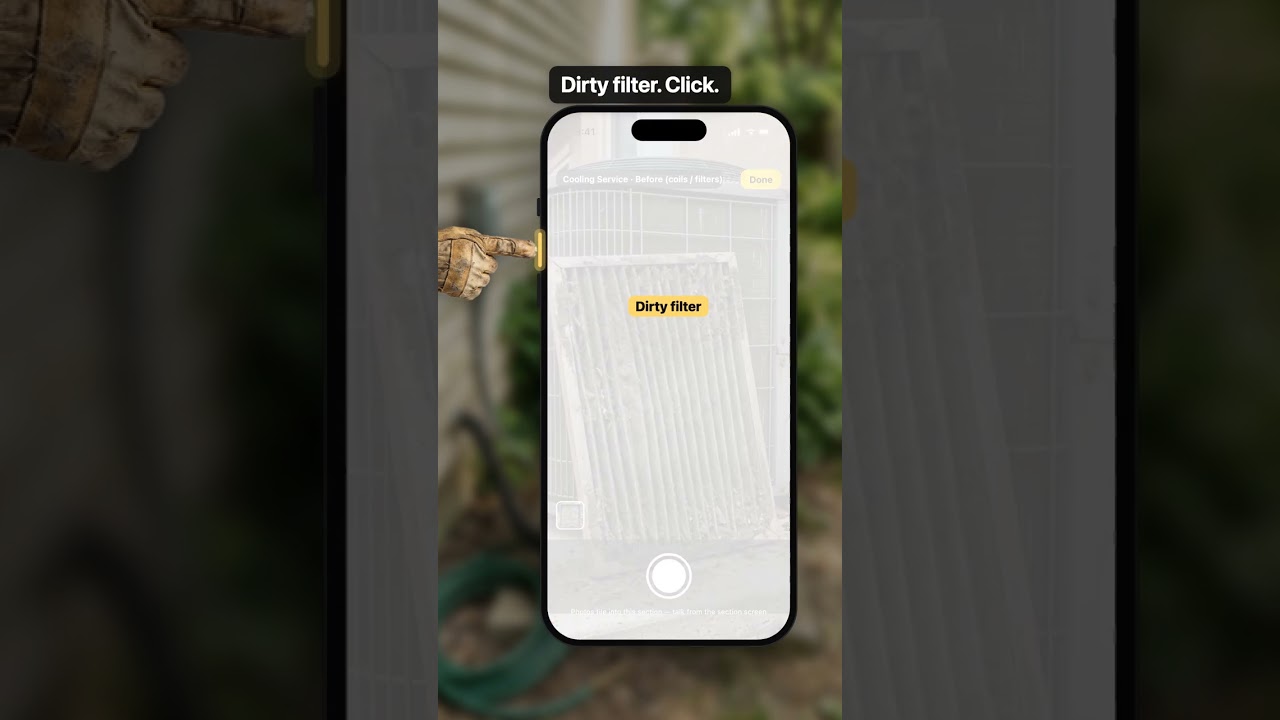
Take inspection photos with gloves on: in ReportWalk, the volume button is the shutter whenever the camera is open.
What you’ll see
- The touchscreen can't feel a work glove, so the glove usually ends up in your teeth. Here, on an HVAC preventive maintenance call, you press the volume button instead: dirty coil, click; dirty filter, click. Both photos land in the HVAC maintenance checklist under Cooling Service, in the before photos, and a thud in your hand tells you each one took.
- For the rest, one tap on the mic and say it: filters changed, coil cleaned, temperature split. The fields in the section fill in from what you said.
Transcript
Inspection photos with gloves on. You tap the shutter. Nothing. You tap harder. The screen has no idea you exist.
So the glove comes off, and ends up in your teeth.
Or, in ReportWalk, press the volume button. With the camera open, it's the shutter.
Dirty coil. Click. Dirty filter. Click. Both land in your HVAC maintenance checklist, under Cooling Service, before photos.
A little thud in your hand says it took. No squinting at the screen.
For the rest, glove off for one tap on the mic. Then just talk.
“Filters changed. Coil cleaned. Split’s eighteen degrees.”
Then the glove goes back on your hand. Not in your teeth.
Related
 1:59
1:59Wind Mitigation Inspection Checklist — Done on the Roof | ReportWalk
A wind mitigation inspection checklist you fill in by voice: on the roof, in the attic and around the house, say what you see and each section fills itself in.
 Short0:44
Attic Inspection With No Signal? Keep Inspecting
An attic inspection with no signal: keep talking and taking photos, and everything saves on the phone until your bars come back.
 1:45
1:45FREE Home Inspection Report Template (PDF) | ReportWalk
A free home inspection report template you fill in online and download as a PDF. No account, no trial, no card.