Attic Inspection With No Signal? Keep Inspecting
An attic inspection with no signal: keep talking and taking photos, and everything saves on the phone until your bars come back.
What you’ll see
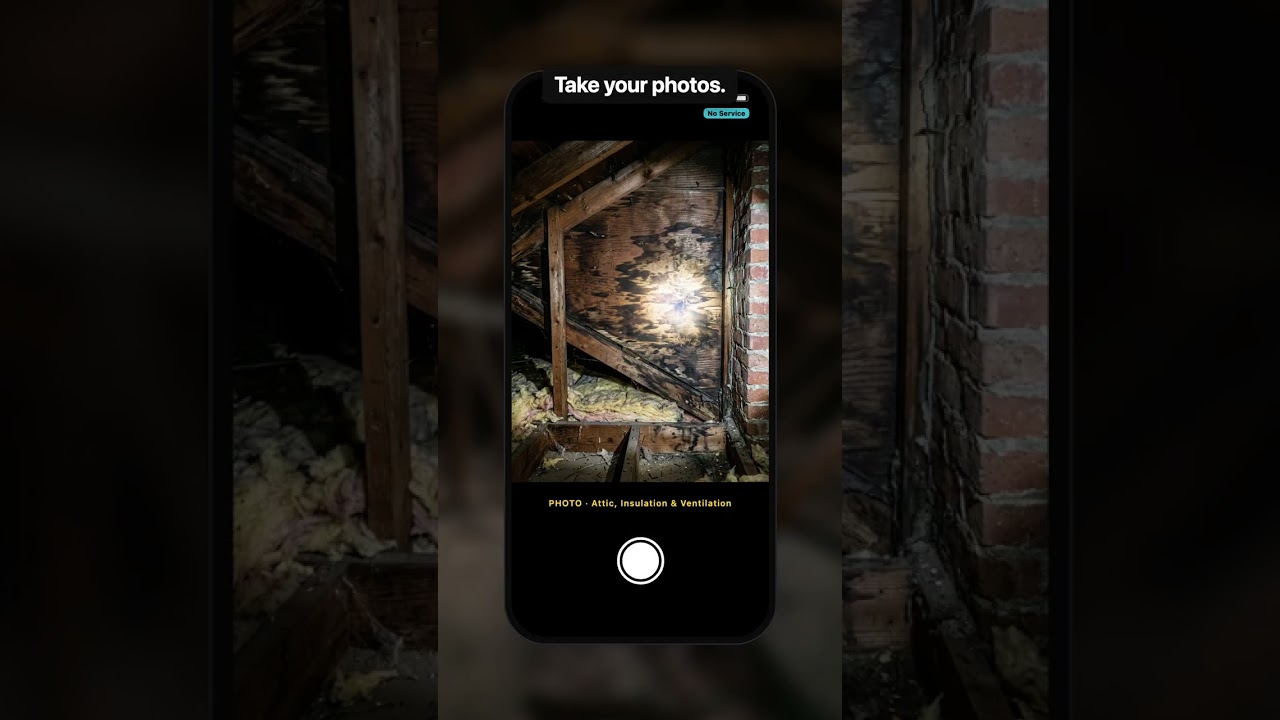
- Open Attic, Insulation & Ventilation in the home inspection template, tap once and talk: insulation type and depth, a bath fan venting into the attic, staining on the sheathing. Take your photos. With no signal, the voice note and the photos save on the phone, so nothing is lost.
- Climb down, get your signal back, and it syncs: the fields fill in from what you said and the photos file themselves into Attic Overview and Defect / Staining Close-ups.
Transcript
An attic inspection. It’s a hundred and twenty degrees, you’re balanced on a joist, and there’s no signal. Naturally.
Keep inspecting. In ReportWalk, open Attic, Insulation and Ventilation. Tap once and talk.
“Fiberglass batts, about six inches. Bath fan vents into the attic. Staining on the sheathing by the chimney.”
Take your photos. With no signal, the voice note and the photos save on the phone. Nothing’s lost.
Climb down, your bars come back, and it syncs. The fields fill in. The photos file themselves.
The insulation in your hair doesn’t sync. That stays with you for a week.
Related
 1:45
1:45FREE Home Inspection Report Template (PDF) | ReportWalk
A free home inspection report template you fill in online and download as a PDF. No account, no trial, no card.
 Short0:45
Inspection Photo App — The Photo That Filed Itself
Inspection photos that file themselves: tap the camera inside the section you are inspecting and the photo lands in its own slot in the report.
 Short0:43
Never Drive Back for a Forgotten Inspection Photo
The final check before you leave the inspection: every required field and photo, plus anything you mentioned but never photographed.